Apps
How to Check a Medical Bill Against Your EOB and Spot Errors
Learn how to check a medical bill against your insurance EOB, spot common billing errors, and know what to ask before you pay.
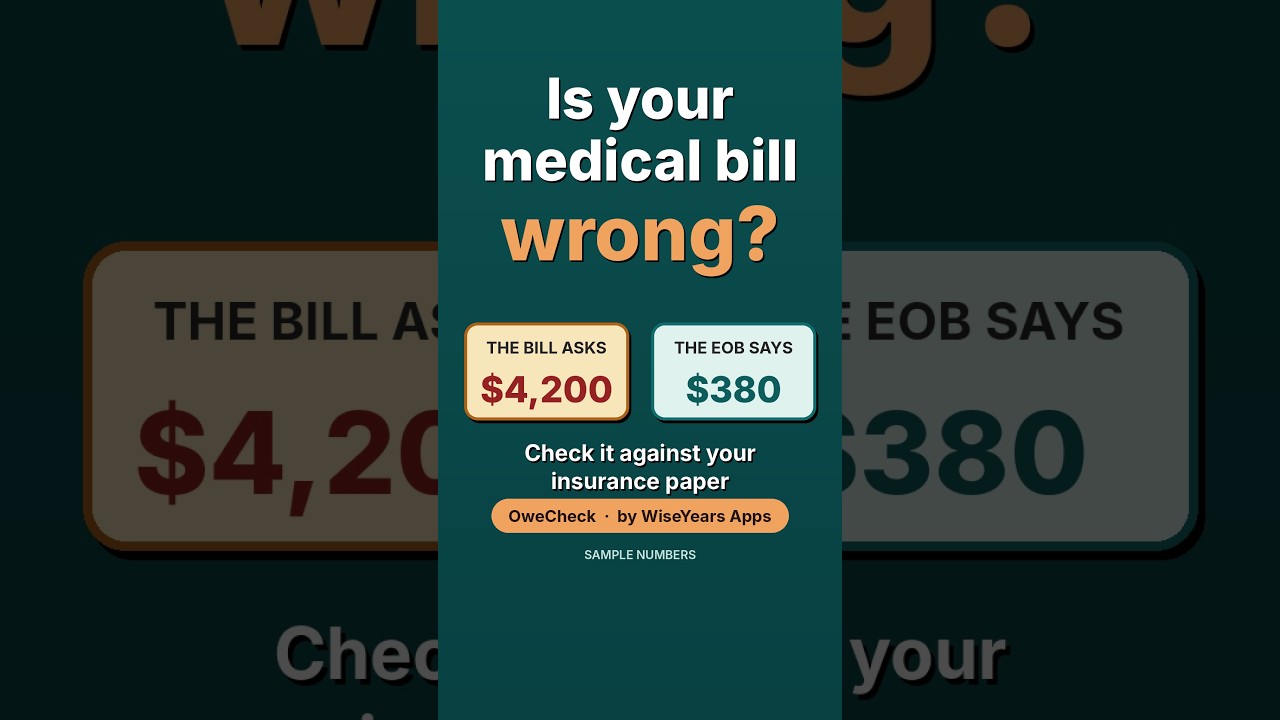
The bill says $4,200. The insurance letter says you owe $380. Before you pay anything, here's how to find out which number is right.
If you're sorting medical mail for yourself or a parent, on top of appointments and medications, we understand how much you're carrying. You don't have to take a medical bill at face value. A 20-minute check against your insurance Explanation of Benefits (EOB) can catch common billing errors before you pay.
The 20-minute bill check at a glance
- Get an itemized bill and the EOB for the same provider and date of service
- Match the patient name, provider and date on both
- Compare the bill's "amount due" with the EOB's "patient responsibility"
- Look for duplicate charges, missing insurance payments, and denied or pending claims
- If the numbers don't match, call the billing office before you pay, and write down who you spoke with
What an EOB is (and what it isn't)
An EOB is a summary from your health plan, mailed or posted to your online account after a claim is processed. It is not a bill. It usually lists:
- The provider's name and the date of service
- The services billed, sometimes with procedure codes
- What the provider charged
- The plan's allowed or negotiated amount
- What the plan paid
- What may be your responsibility (often labeled "patient responsibility" or "you may owe")
The bill comes from the doctor, hospital or lab. In most cases, its amount due should match the "you may owe" amount on the matching EOB. When it doesn't, look closer.
Gather these before you start
Set aside 20 quiet minutes and have these in front of you:
- The medical bill. If it only shows a total, call the number on the bill and ask, "Can you send me an itemized bill with each service, date and charge?"
- The EOB for the same provider and date of service
- The insurance card, for the member ID and phone numbers
- A notebook or notes file for dates, names and reference numbers
Caring for a parent? Ask their provider and insurer whether they need a signed authorization form before they can talk with you about the account. It's easier to file it before you need it.
How to check a medical bill against your EOB, step by step
- Match the basics. The patient name, provider and date of service should be the same on both. A bill and an EOB from different visits will never agree.
- Line up each service. Go down the itemized bill and find each charge on the EOB. If a charge isn't on the EOB at all, it may not have gone to insurance yet.
- Compare what you owe. Find "patient responsibility" on the EOB and compare it to "amount due" on the bill. This is the number that matters most.
- Check payments and adjustments. The bill should show what insurance paid and any contractual adjustment (the discount the provider agreed to). If it shows the full charge with no adjustment, ask why.
- Look for repeats. The same service listed twice on the same day is one of the most common errors.
- Note the claim status. If the EOB says a claim was denied or is still pending, the bill may have come early. You can ask the provider whether it can wait until the claim is settled.
Common billing errors to watch for
- The full charge billed instead of what's left after insurance
- The same test, supply or visit charged twice
- Services you didn't receive, such as a procedure that was ordered and then canceled
- The wrong date or the wrong patient
- A claim that was never sent to insurance, leaving the whole balance on you
- A payment not applied, such as a copay you already paid at check-in
None of this means anyone acted badly. Billing systems are complicated, and honest mistakes happen. Your part is to ask clear questions.
What to do if the numbers don't match
First, double-check that you're comparing the same visit and the right lines. If they still don't agree, work through these in order:
- Call the provider's billing office. Have both papers in front of you and say something like, "My EOB says I owe $380, but my bill shows $4,200. Can you help me understand the difference?"
- Ask for an itemized statement if you don't have one yet.
- Call your insurance company if the billing office says the claim was processed differently than your EOB shows.
- Ask whether the account can be put on hold while the question is reviewed, so it isn't sent to collections.
- Write everything down: the date, who you spoke with and any reference number.
This article is general information, not legal, financial or insurance advice. Plans and state protections differ, so your insurer, the provider's billing office or a patient advocate can help with your situation.
Short on time? Let OweCheck do the comparing
Checking line by line works, but it takes time and focus, and caregivers rarely have extra of either. OweCheck is made for the moment when you have a bill in one hand and an EOB in the other.
Meet OweCheck: your bill and EOB, compared in plain words
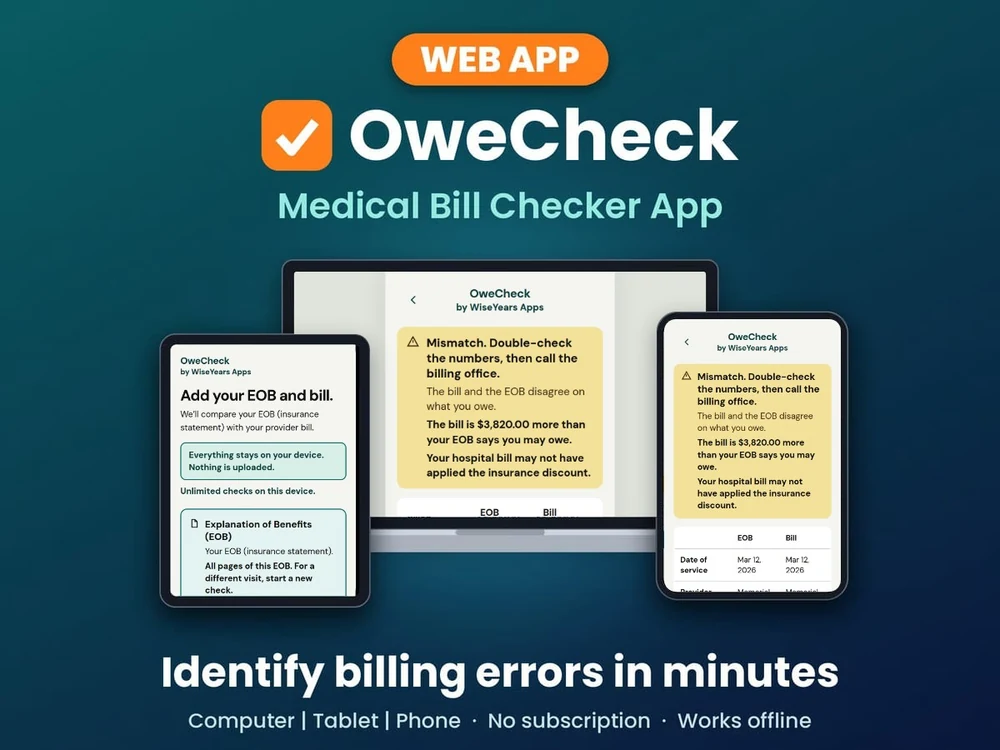
Snap a photo or upload a PDF of the bill and the EOB. OweCheck lines them up and tells you plainly whether the numbers match. When they don't, it shows what doesn't match and gives you a call script to read to the billing office. If it flags a mismatch, double-check the numbers on both papers first, then call the billing office before you pay.
- Big text and big buttons for older eyes and busy caregivers
- Nothing is uploaded. Your results stay in the browser on your device, and no account is needed.
- No account, no subscription and no ads
- Opens in any web browser on any device, with nothing to install from an app store
- $24.99, one time
Check your bill before you pay: get OweCheck ($24.99, one-time) →
OweCheck helps you spot differences worth asking about. It doesn't give insurance, legal or financial advice, and the billing office and your insurer have the final word on what's owed.
Want to see it first? Watch OweCheck compare a bill and an EOB:
▶ Watch the OweCheck demo on YouTube
EOB abbreviations, in plain words
Column names change from plan to plan. Here are short forms you may see. This list is general information, not billing or insurance advice.
- EOB: Explanation of Benefits. A statement from the health plan about how it handled a claim. It is not a bill.
- DOS: Date of service. The day the visit, test or stay happened, not the day the EOB was printed.
- CPT, HCPCS or procedure code: A short code for the service billed. Your EOB may show the words, the code, or both.
- ICD or diagnosis code: A code the provider uses for the diagnosis or reason for the visit.
- NPI: National Provider Identifier. A number that identifies the clinic, hospital or clinician on the claim.
- Member ID: The ID number on the insurance card. On a family plan it may belong to the policyholder.
- Group number: The number for an employer or group plan, also on the card. Some plans do not have one.
- Claim number: The plan's reference for this claim. Keep it for any phone call.
- Allowed amount: The price the plan recognizes for that service after its discount or agreement.
- Adjustment or network savings: The part of the billed amount the provider takes off under its agreement with the plan. In-network patients generally are not billed for it. Your insurer can confirm how it applies to you.
- Deductible: The part of the allowed amount applied to the yearly deductible, the amount the patient pays before the plan starts to share most costs.
- Copay: A set dollar amount for a type of visit.
- Coinsurance: A percentage of the allowed amount, such as 20%.
- Patient responsibility (you may owe): Deductible, copay, coinsurance and any amount the plan did not cover. Compare this with the bill.
- In network / out of network: Whether the provider has an agreement with the plan. That can change what is paid.
- Remark or reason code: A short code next to a line. The key on the EOB, often at the bottom or on the back, usually explains it in a sentence or two.
If a line still does not make sense, call the member services number on the card and ask them to explain it in plain words.
For a slower walk-through of each column, see how to read an EOB line by line. When you are ready to compare the papers, OweCheck lines up a bill with the matching EOB. Nothing is uploaded. Your results stay in the browser on your device, and no account is needed. It is a personal checking tool, not legal, medical or insurance advice.
Your questions, answered
Is my information private?
Nothing is uploaded. Your bill and EOB stay in the browser on your own device, and there is no account to create. Your results are saved only on this device, with no syncing, and you can clear them any time by starting over.
Is it hard to use?
Take a photo or upload a PDF of each paper, and OweCheck gives you a plain answer with big text and big buttons. It opens in the web browser on any device.
Is it worth paying for?
It's $24.99 once, not a monthly subscription, and there are no ads. If it helps you catch one mismatch, or gives you the words for a confusing call with the billing office, that's time and worry saved. Each purchase is for one device.
Does it tell me what I legally owe?
No. OweCheck shows where the bill and EOB don't agree so you know what to ask. The billing office and your insurer have the final word.
You don't have to carry it all at once
Take it one envelope at a time. Match the dates, compare what you owe, and ask kindly when something looks off. There's grace for the days when you need to set the stack down and rest.
Check your next bill before you pay: get OweCheck for $24.99 (one-time, no subscription) →